Getting started
Install Batomon Showdown
Batomon Showdown is on Steam for Windows and on Google Play for Android. Most installs are one click; the one common problem is a GPU that needs a different renderer.
Current game: 1.4.1, Balance 26, released 23 October 2026Store facts checked 24 October 2026
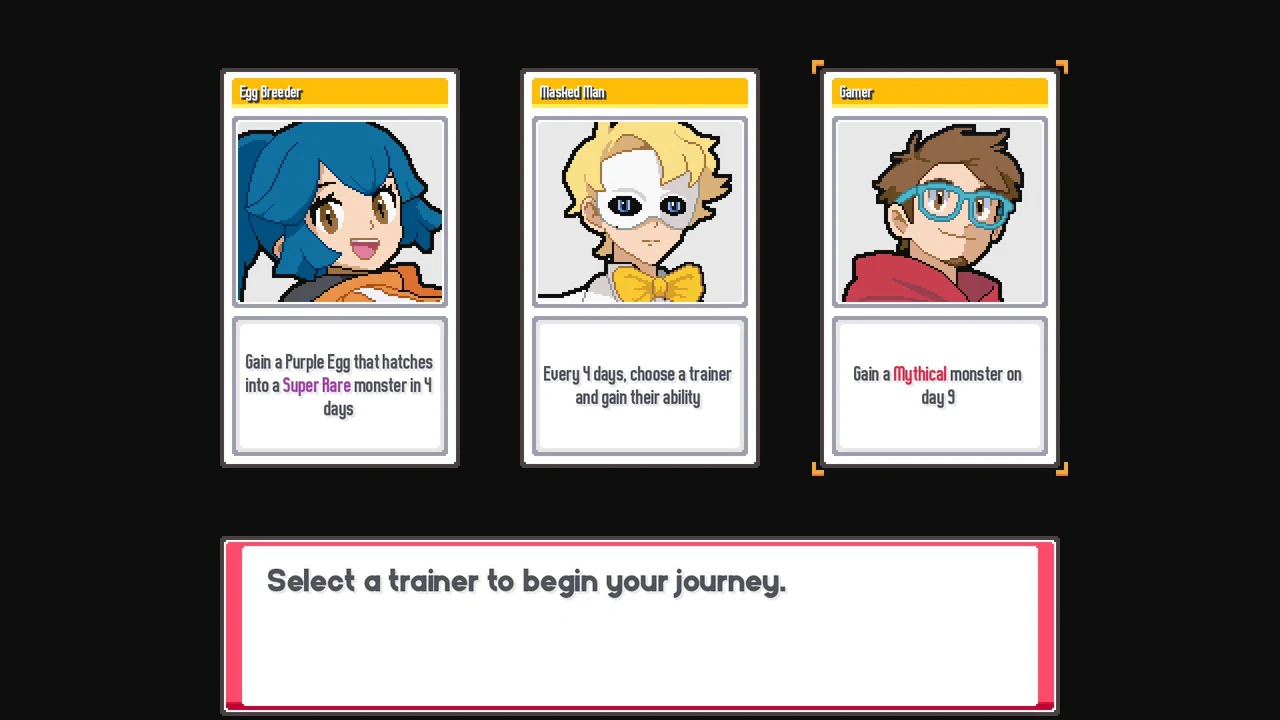
Get the game
- Batomon Showdown is on Steam. Install it from your library like any other Steam game.
- The desktop download is a Windows build. There is no macOS or Linux download. On a phone, install the Android version from Google Play instead.
Windows system requirements
- Operating system
- Windows 10
- Processor
- Dual core 2 GHz
- Graphics
- 1 GB video memory
- Storage
- 512 MB available space
If the game does not start
- Some graphics cards cannot start the game on its default renderer. This is the most common problem, and the fix is a launch flag.
- In Steam, right-click the game, open Properties, and paste the flag below into Launch Options.
Launch option:--rendering-driver opengl3
Optional Companion
Companion 0.3.20 is a separate Windows tool for game 1.4.1. It makes its own game copy and does not change your Steam installation. Read how to install and connect it.
Once you are in, how to play walks through your first run.